Case Study
HVA State Representative Resource Center
A private document library for Handicapped Veterans Association's national staff and three-state pilot. Five roles each see only their own documents, and every file is checked before it opens.
At a Glance
Executive Summary
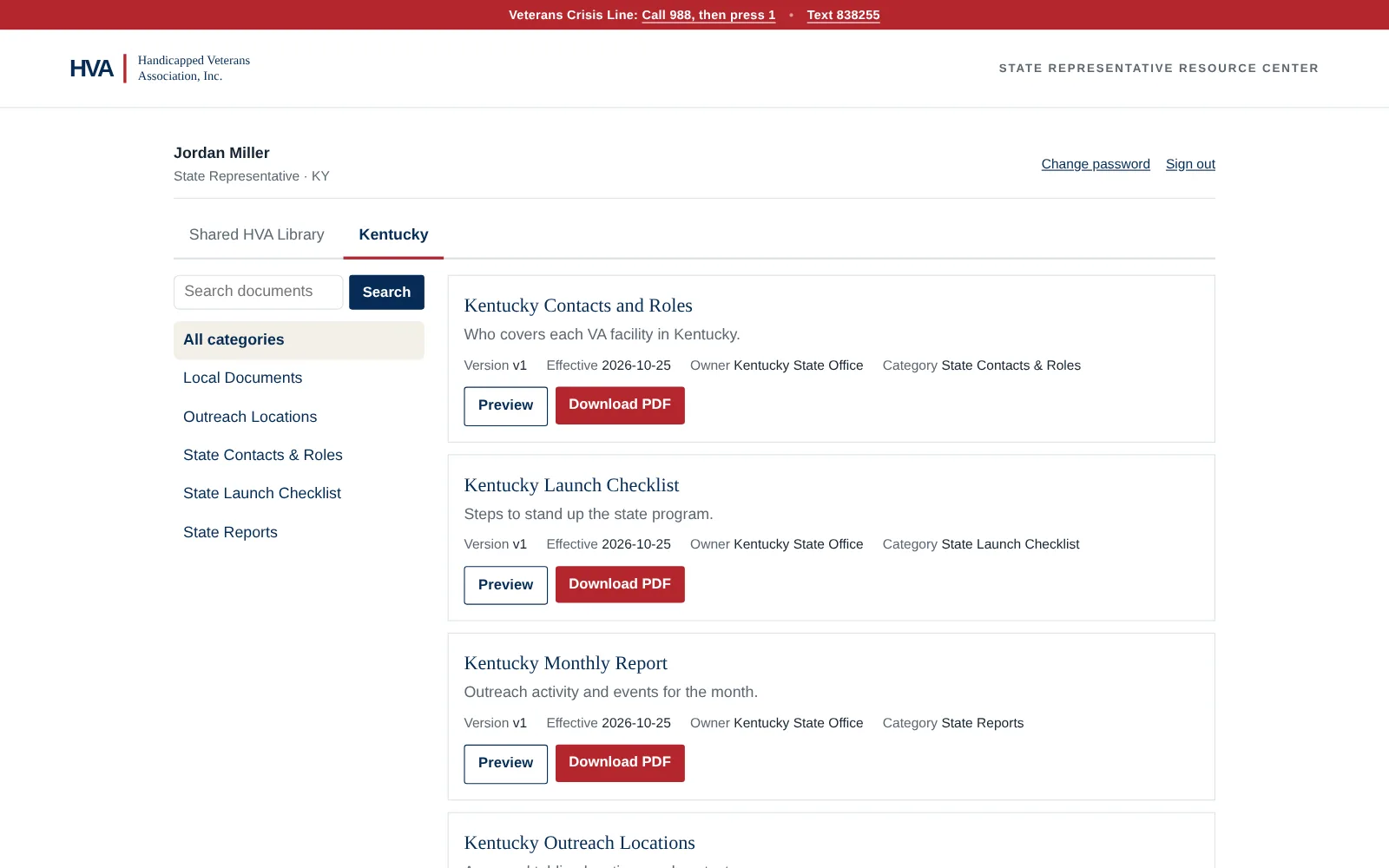
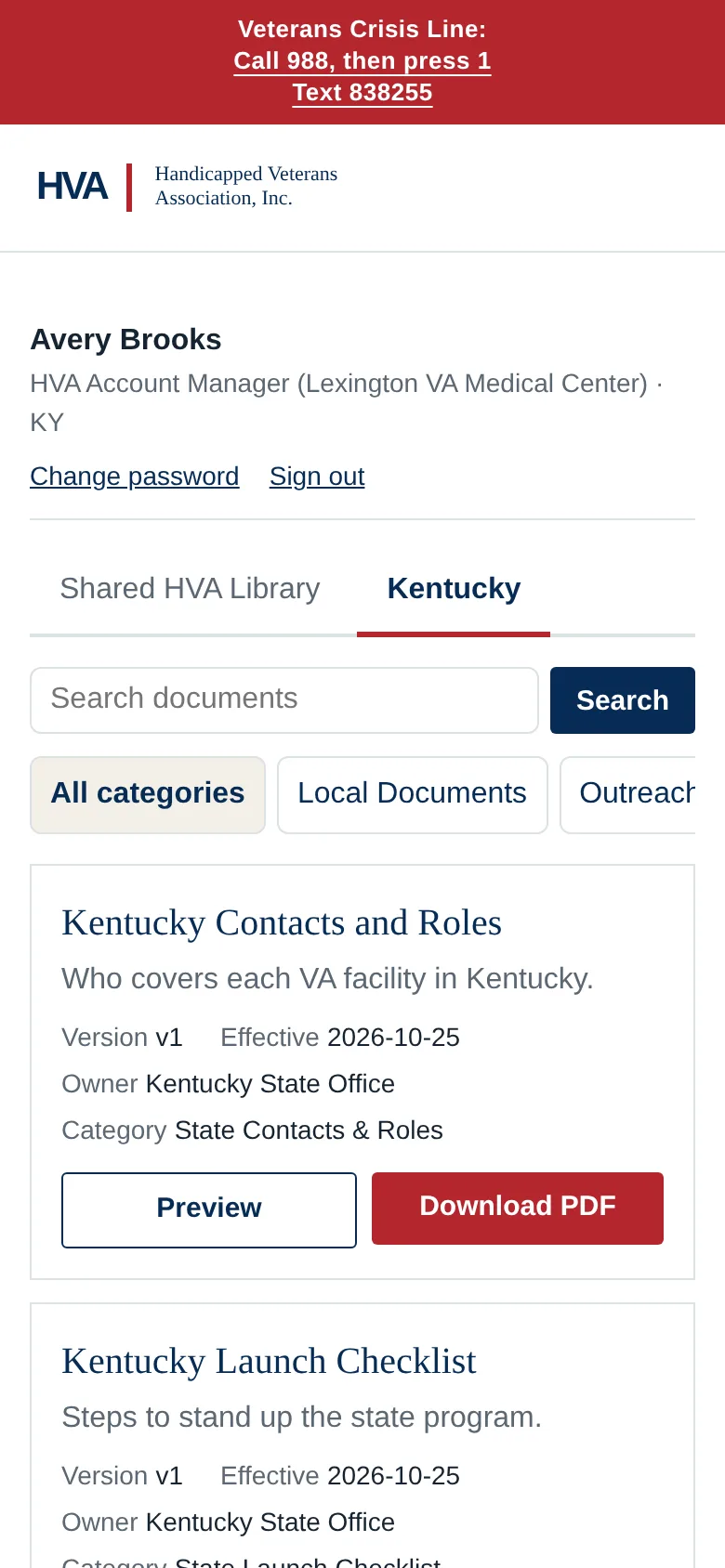
Handicapped Veterans Association is piloting a state program in Kentucky, North Carolina and Illinois. State Representatives and HVA Account Managers at each VA regional hospital share one playbook: governance documents, outreach checklists, brand materials, event locations and state reports.
There was no system for this yet, so it was built from scratch: a WordPress plugin that turns a fresh WordPress install into a private, login-only resource center. National staff control what is official, each state sees only its own working files, and every sign-in and download is on record.
The Problem
The pilot's crews table in their communities to teach people about VA suicide prevention training. Everyone needs the same core material, but the lines between people matter just as much as the shared playbook.
- People in one state must never see another state's working files
- Volunteers should only see the outreach material they need
- The national office has to stay in control of what is official
- HVA needed a record of who opened what, for regular access reviews
The project also changed shape midway. It started as a merchandise store and became this resource center once the state pilot took priority. HVA's team preferred not to grant server or DNS access during the build, so the result had to install cleanly on their side without anyone logging in for them.
The Approach
A plugin, not a site. Instead of building on HVA's server, the resource center is one WordPress plugin, developed and tested on a local copy. HVA received a single zip file, a README and a recorded walkthrough. Their CTO creates a fresh WordPress install on the subdomain and uploads the plugin, and activation sets up the roles, categories, database tables and home page. The access constraint turned into a cleaner handoff, with nothing to migrate and no test data on their server.
One gate for every file. Documents are stored outside the website folder, so no file can be reached by its address. Every preview and download goes through a single route that checks the person's role, state and the document's status first. Anyone who isn't allowed gets a plain “File not found,” so a shared link does not even confirm the file exists.
Tests that act like real people. The test suite signs in as every role and tries everything: opening each document directly, editing the address bar to reach another state, searching for another state's files, and the usual WordPress side doors like the REST API, feeds and sitemaps. It finished at 202 passing checks.
A security review that caught two real problems. By default, WordPress deletes everything a user authored when their account is deleted. Removing a departed staff member the wrong way would have erased their documents. That is now blocked, with a test that deletes an account and checks the documents remain. Testing also showed that a fix to stop the password-reset page from revealing which usernames exist only worked for email addresses. WordPress adds its “no account” error after the hook the fix used, so the check now looks for a missing account instead of the error message.
Architecture
| Layer | Implementation |
|---|---|
| Platform | WordPress, PHP and MySQL on HVA's own subdomain |
| Access | Five custom roles with per-person state and category assignments, decided in one central permission check |
| Files | Protected storage outside the web root, served only through a permission-checked route |
| Documents | Versioned records with owner, effective date and version, archived instead of deleted |
| Approvals | Department Head submissions held as pending until an administrator publishes them |
| Login | Lockout after repeated failures, passwords of at least 12 characters and two-step verification for admins |
| Oversight | An activity log nobody can edit, with CSV export and a quarterly access report |
| Admin tools | A Resource Center dashboard, a States screen and an Admin Guide inside WordPress |
Results
Why This Matters
A nonprofit's pilot program lives or dies on whether the people in the field have the right material at the right moment. The usual answer is a shared drive that slowly fills with duplicates, where nobody can say which version is official or who has seen what.
Role-based access, one gate for every file and tests that prove both are what let a small team hand this to volunteers with confidence. The best handoff is one where the client never has to trust that it works, because the tests already show it.
Stack